Product
Post a thread to every account in a project.
Twine posts threads to Threads and Bluesky. You group your accounts into projects, and your AI agent posts a thread to a whole project at once, with a random gap between posts so it does not look like a bot dump. A small web app handles accounts and shows your posts.
Projects
One project per product or brand.
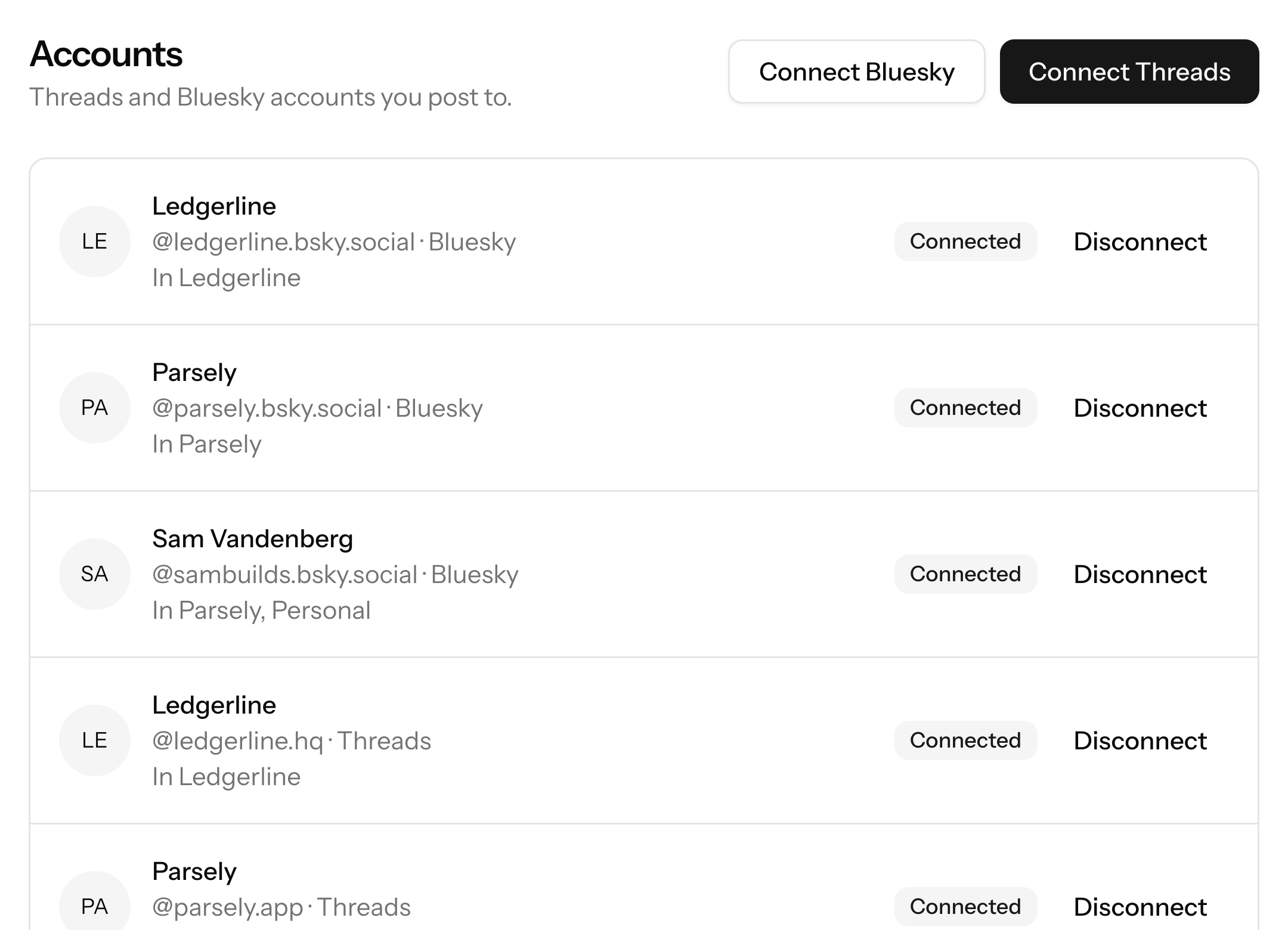
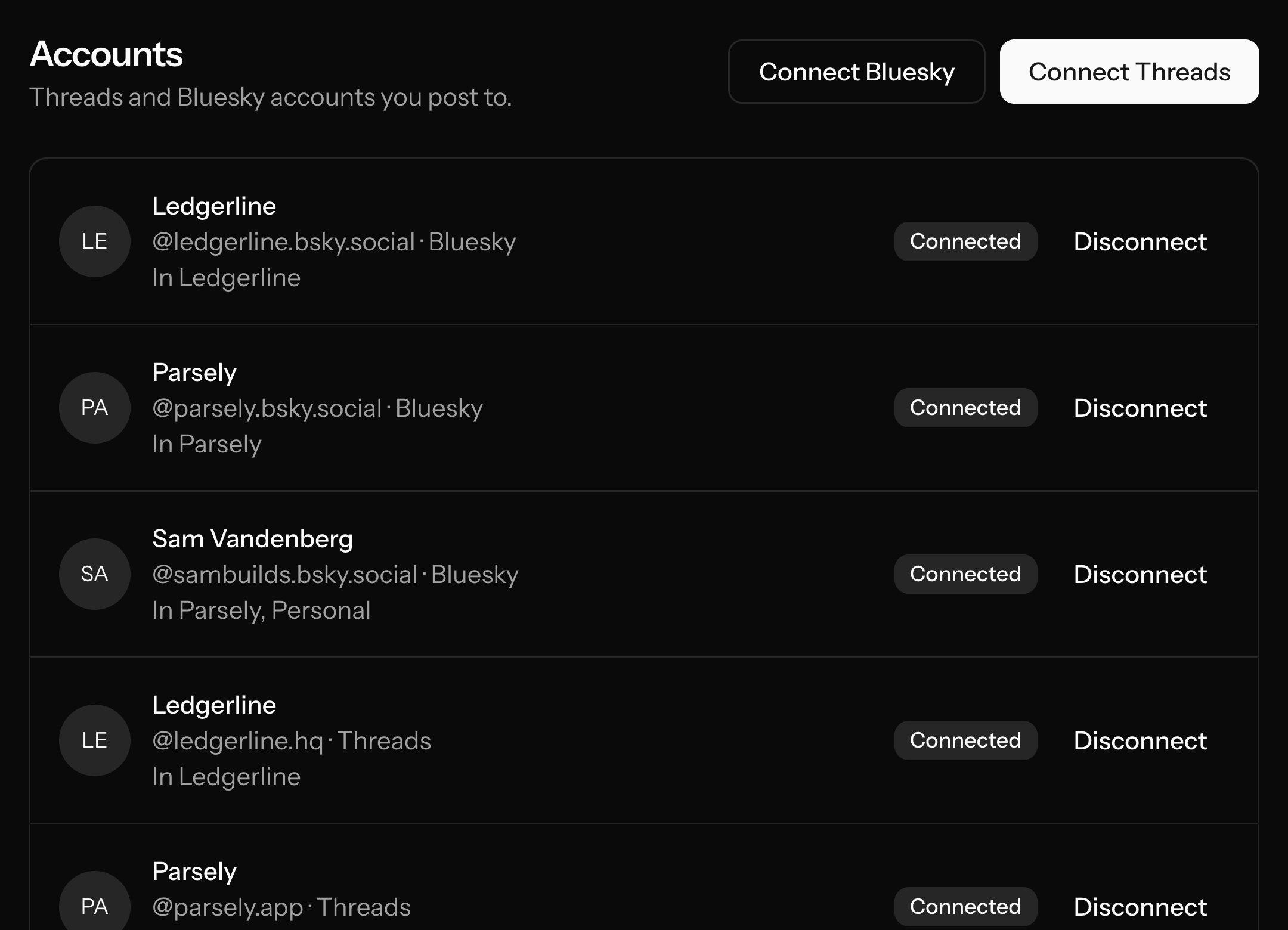
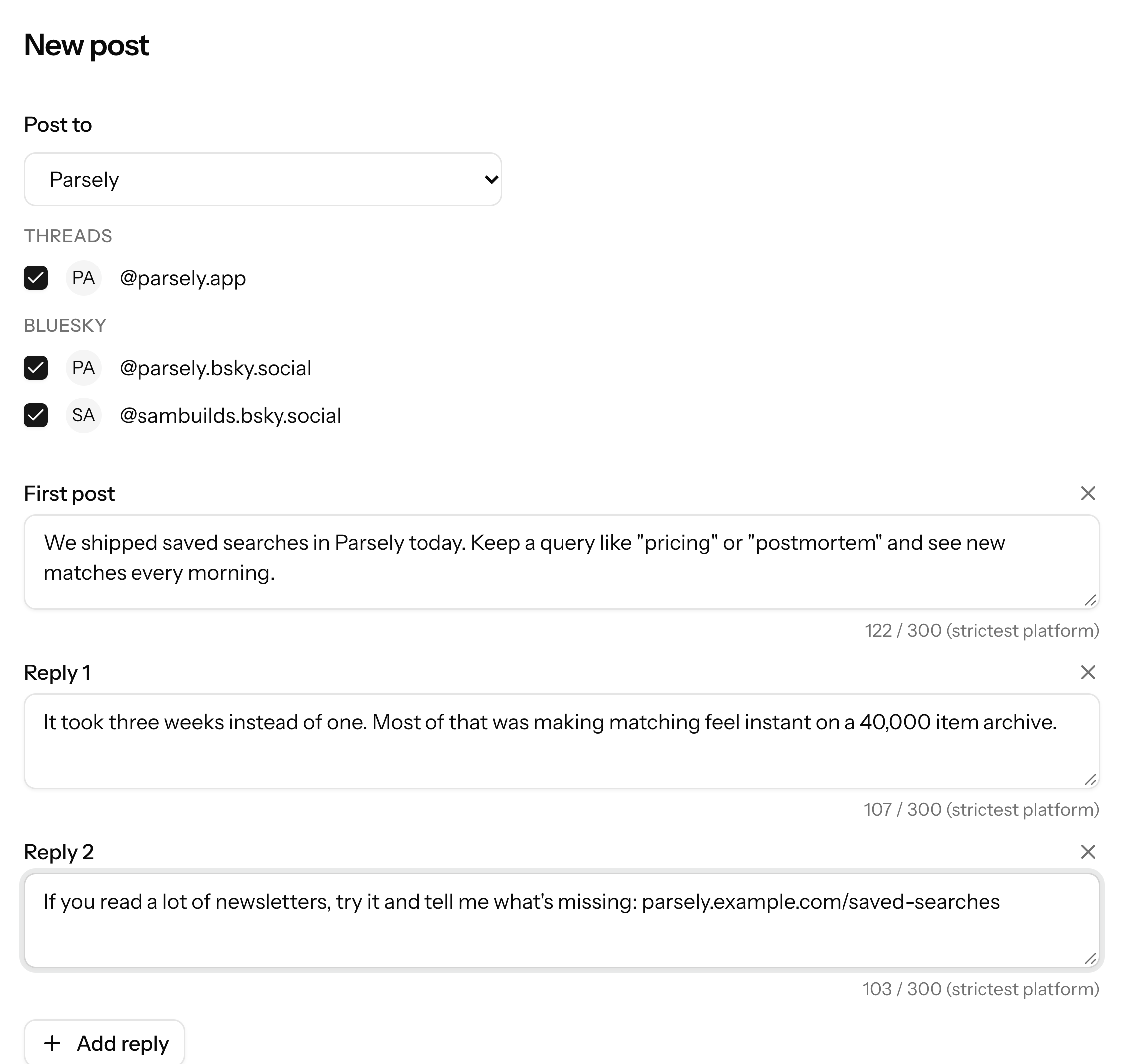
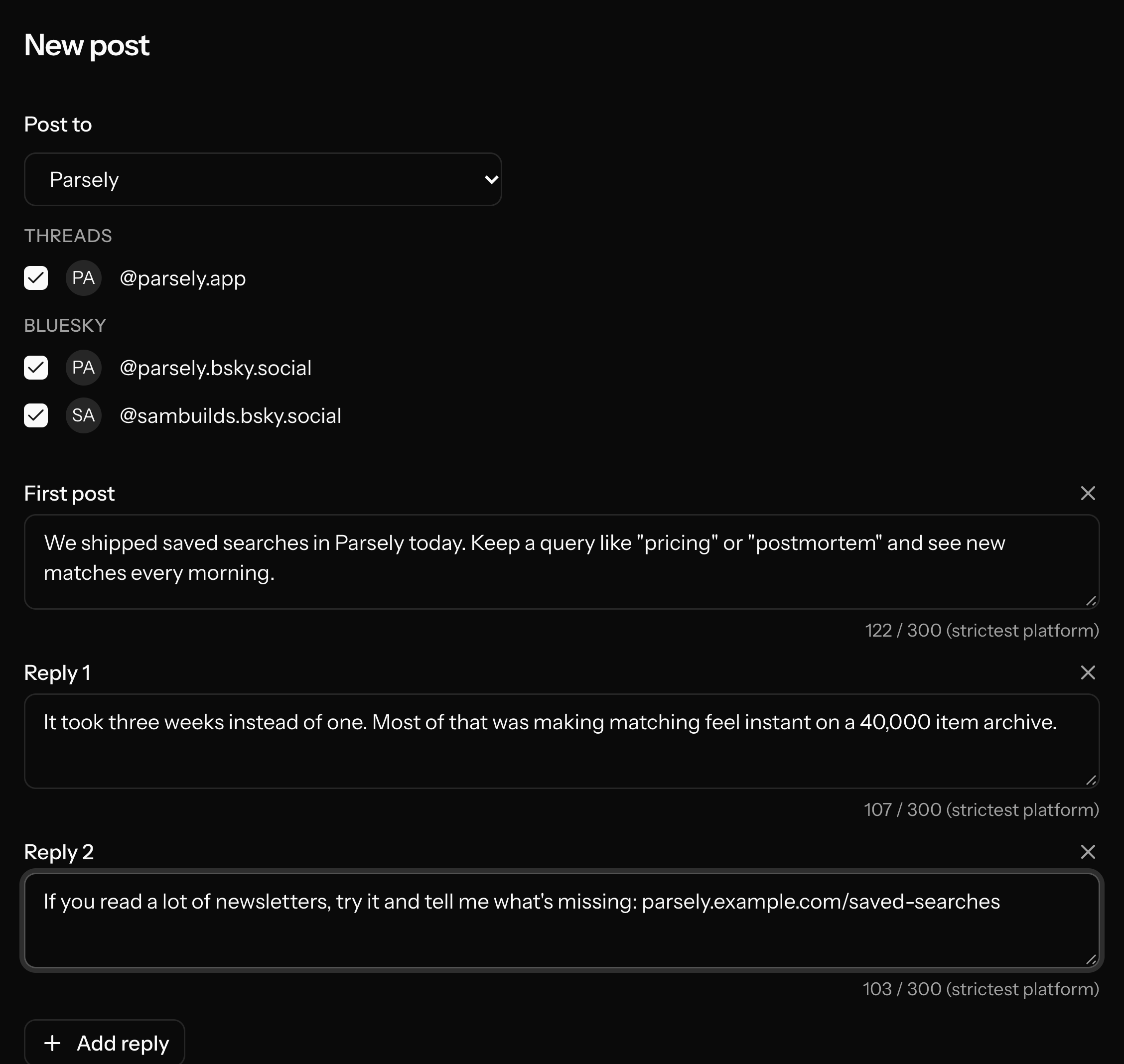
A project is a group of accounts. Put the Threads and Bluesky accounts of one product in a project, and post to all of them in one go. The same account can be in several projects, so your personal account can sit in every one. You can have several Threads and several Bluesky accounts.
- Manage projects in the web app or from your agent
- An account can be in several projects
- Post to a project, or to accounts you pick
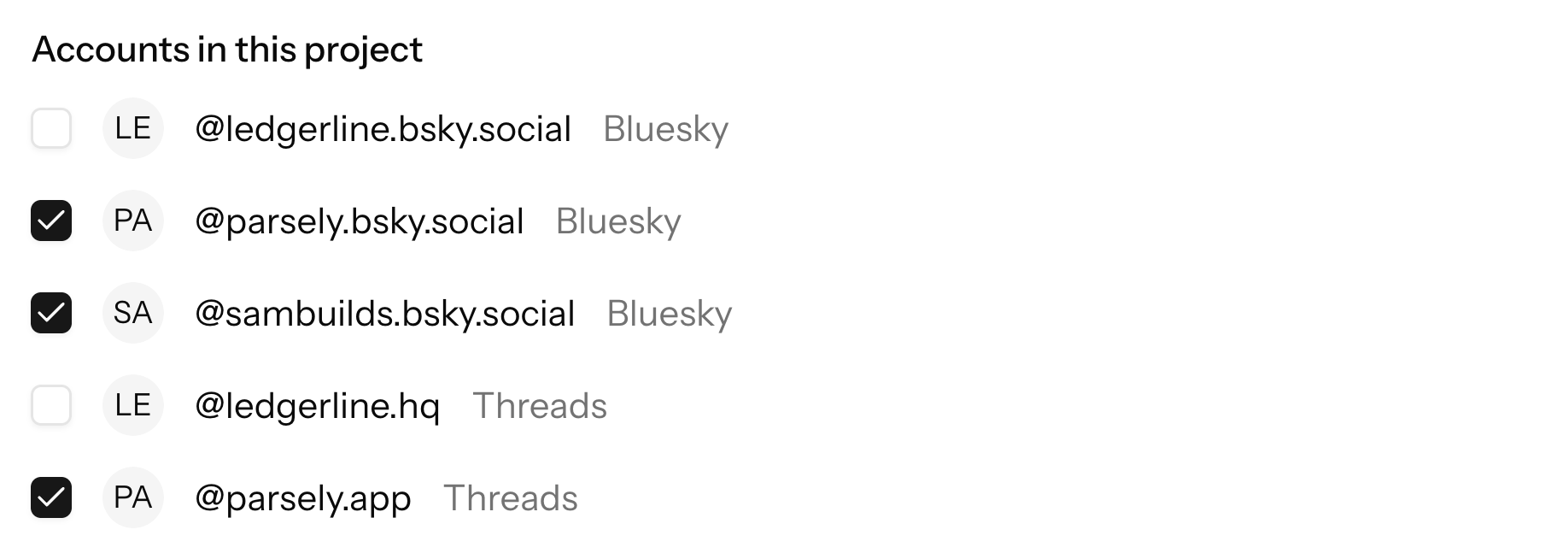
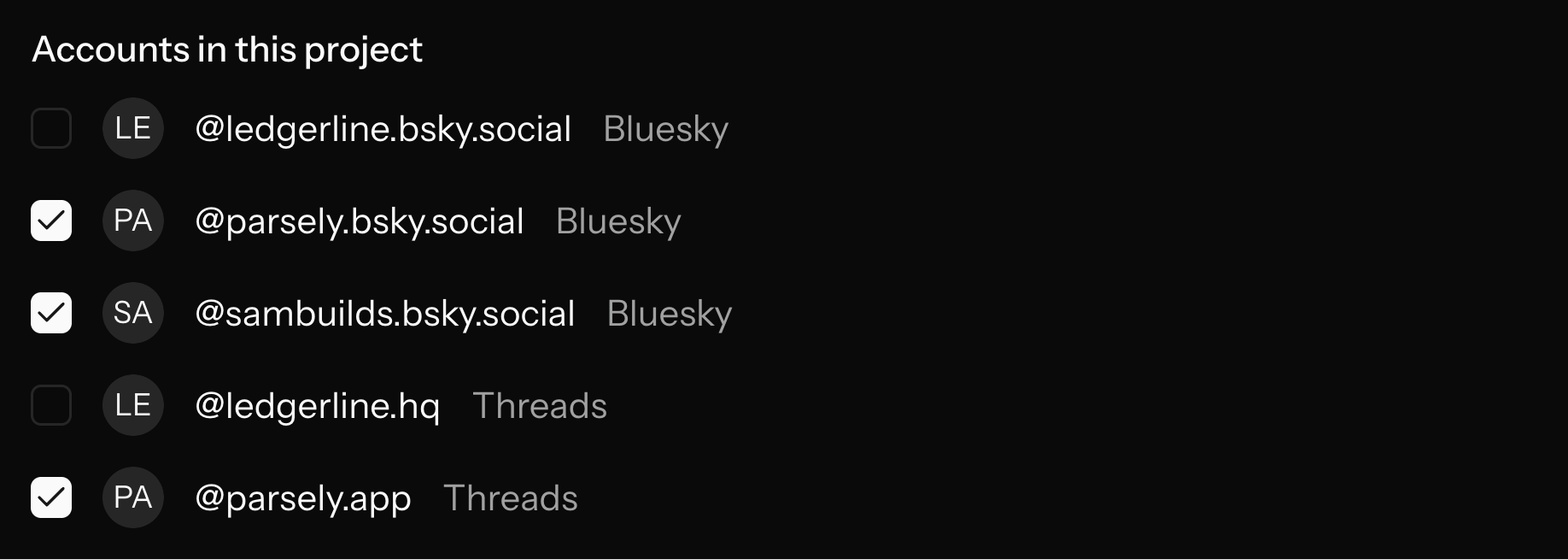
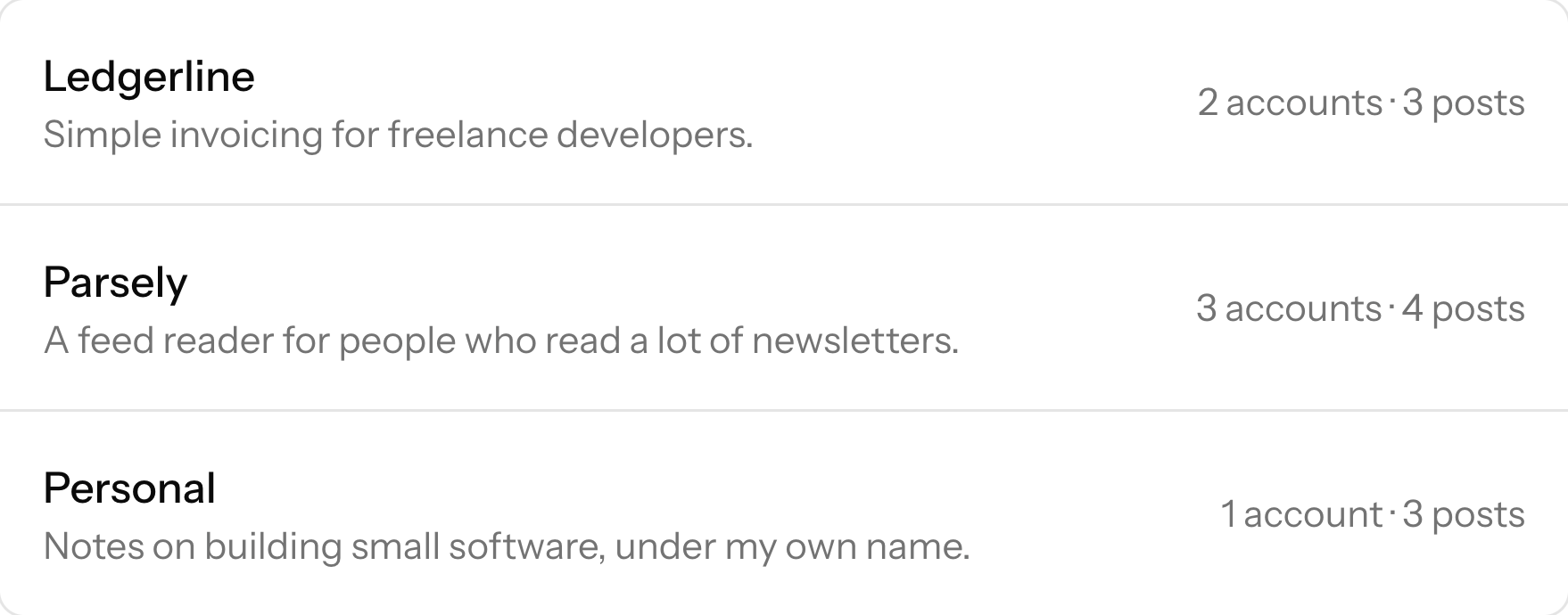
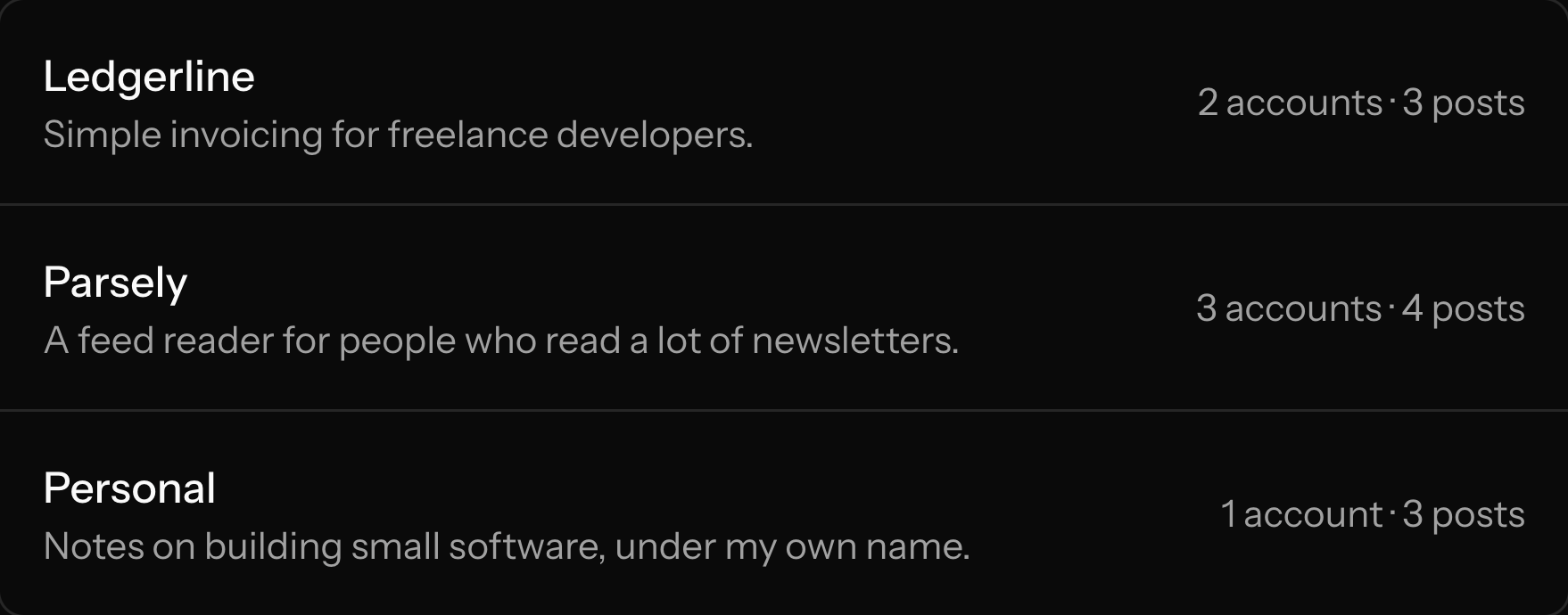
Accounts in each project
Accounts
Connect Threads and Bluesky.
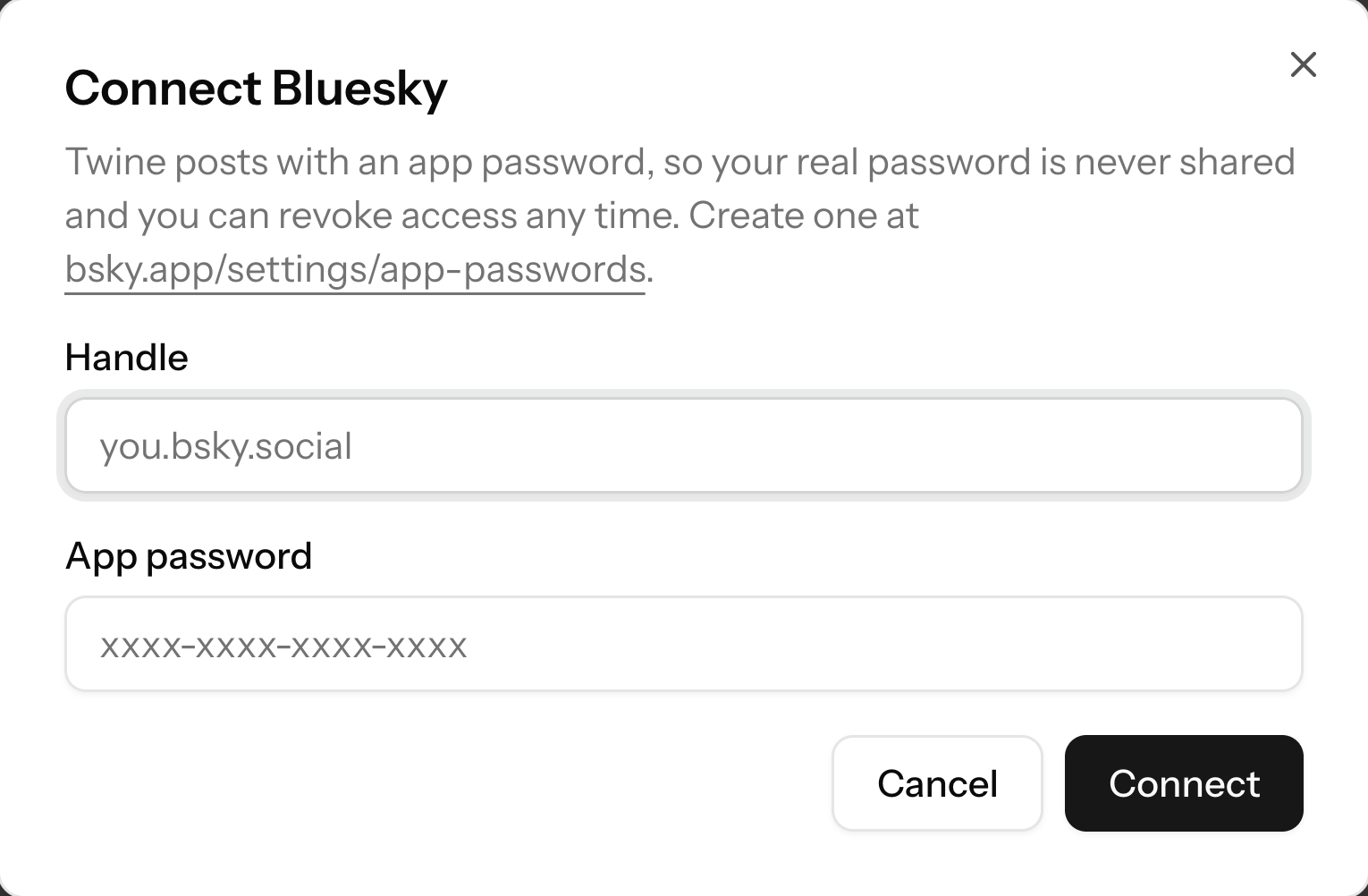
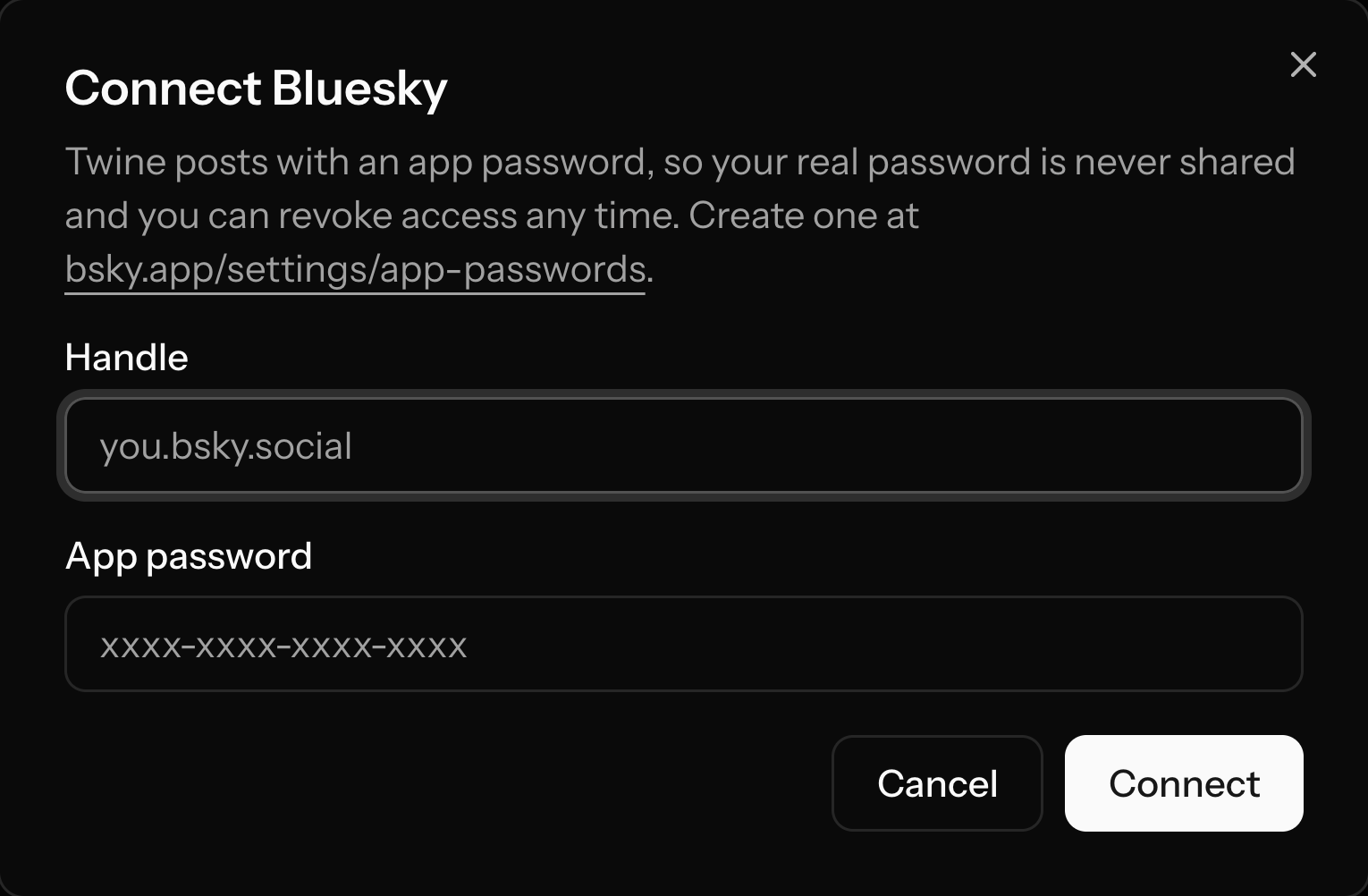
Threads accounts connect in the web app with "Connect Threads", which is a normal Meta login. Bluesky accounts connect with the handle and an app password, in the web app or by asking your agent.
- Threads through Meta's own login
- Bluesky with an app password, not your main password
- Account limits depend on your plan
Meta login for Threads
Threads
A thread, to every account.
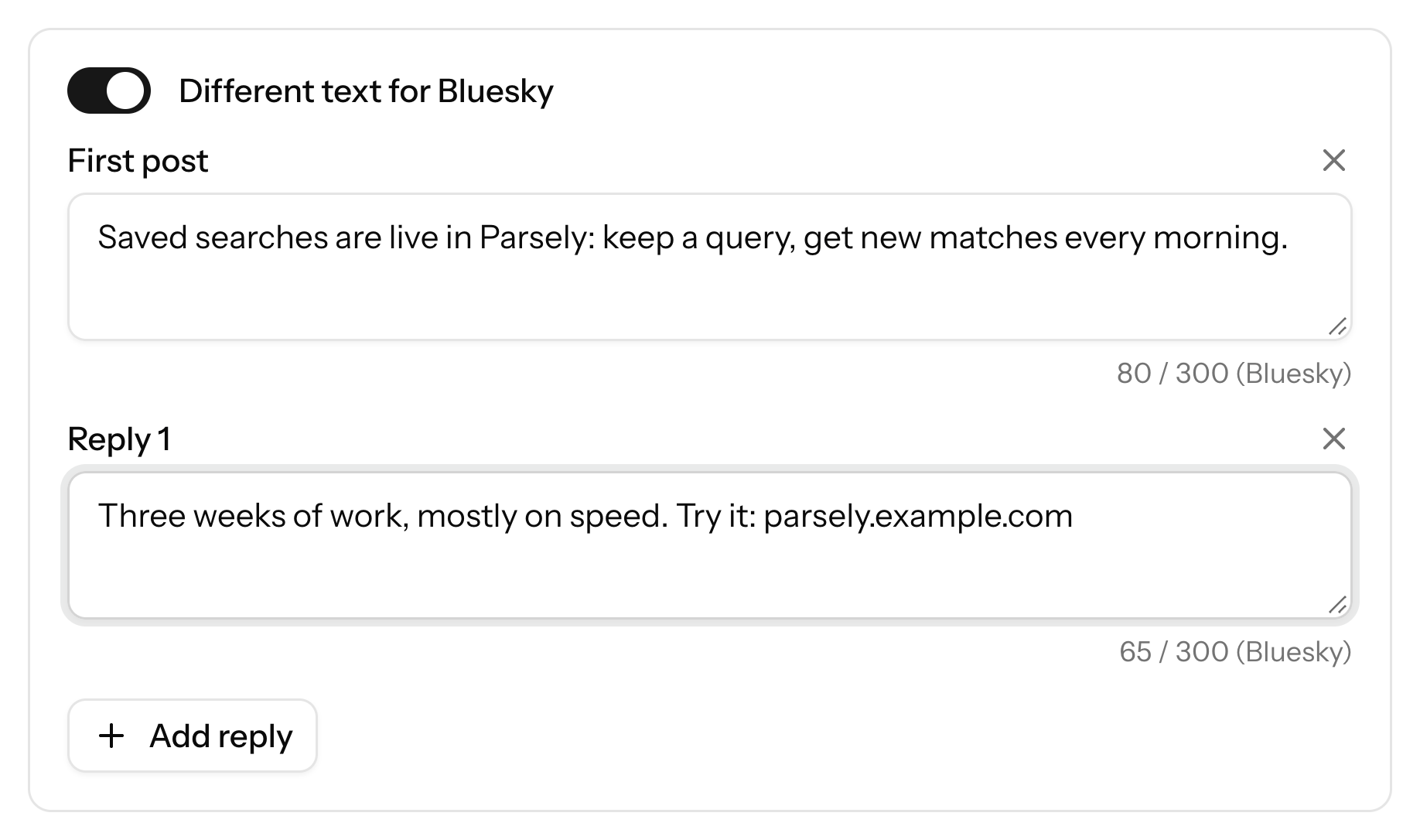
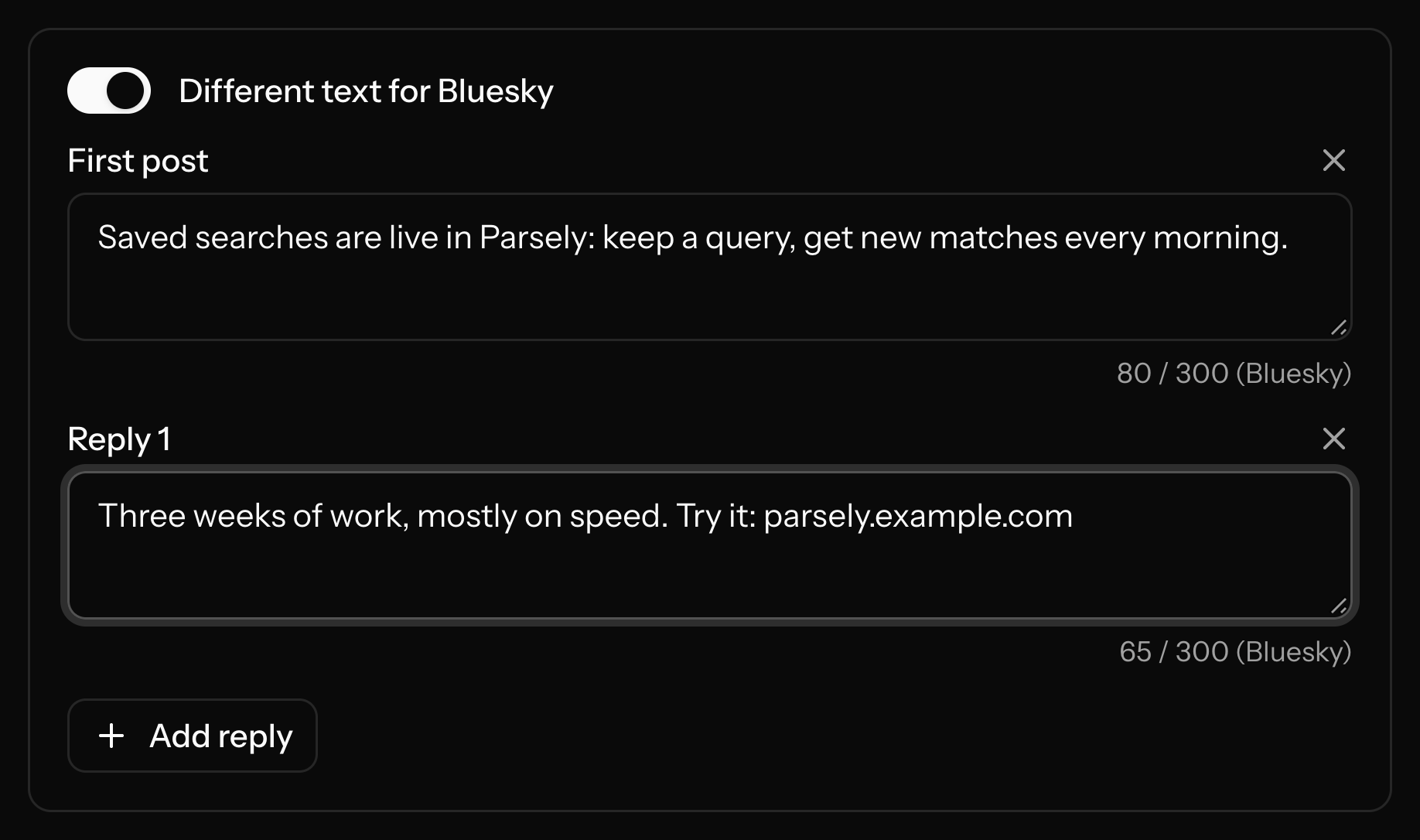
A thread is a first post plus a chain of your own replies. Twine posts it as a real reply chain on both Threads and Bluesky. By default every account gets the same text. If you want, write different text for each platform: Bluesky allows 300 characters per post, Threads 500. On Bluesky, links, mentions and hashtags become real links.
- A first post and as many replies as you need
- Optional different text for Threads and Bluesky
- Links, mentions and hashtags work on Bluesky
Pick a project or accounts
Timing
Posts go out like a person posted them.
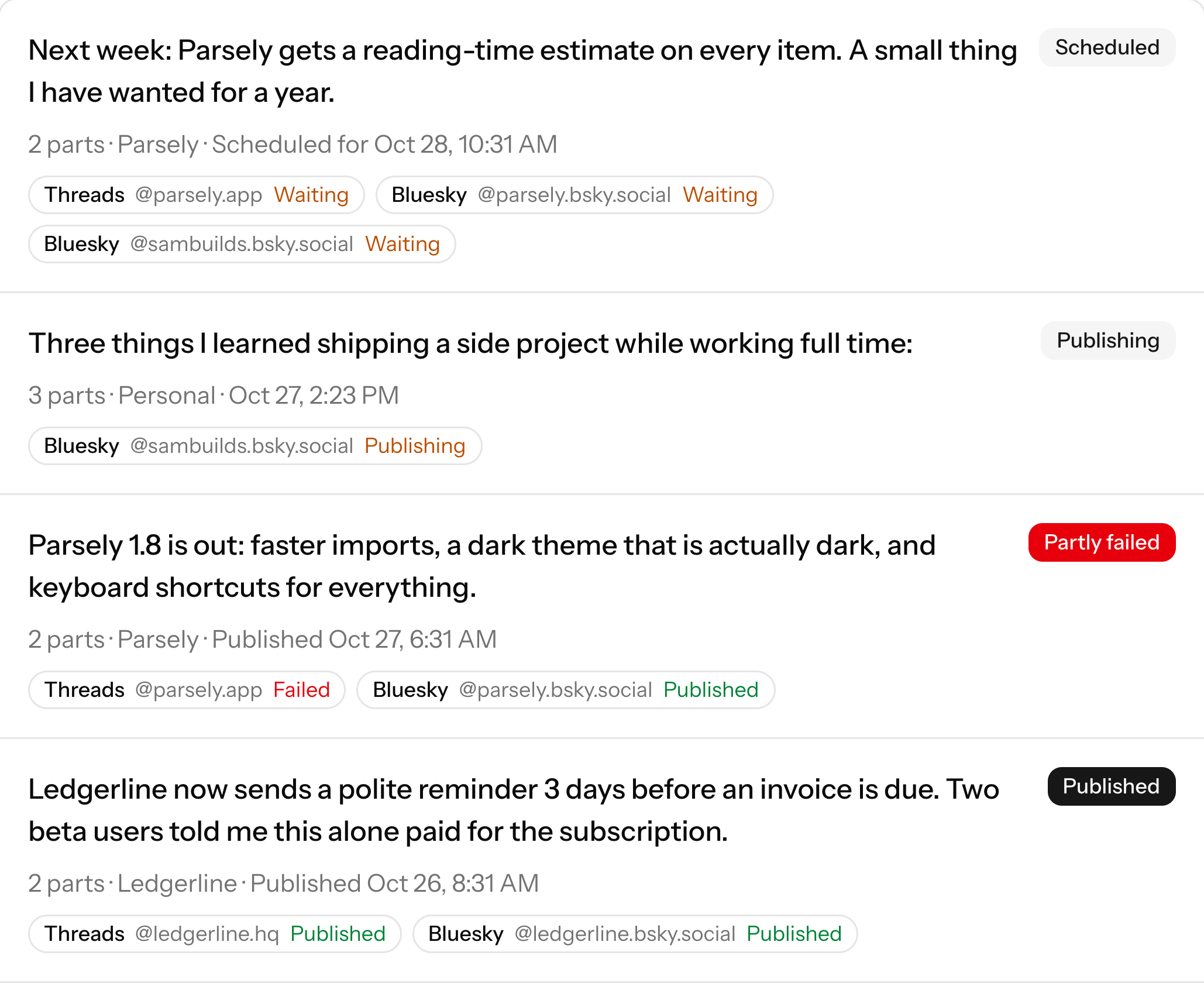
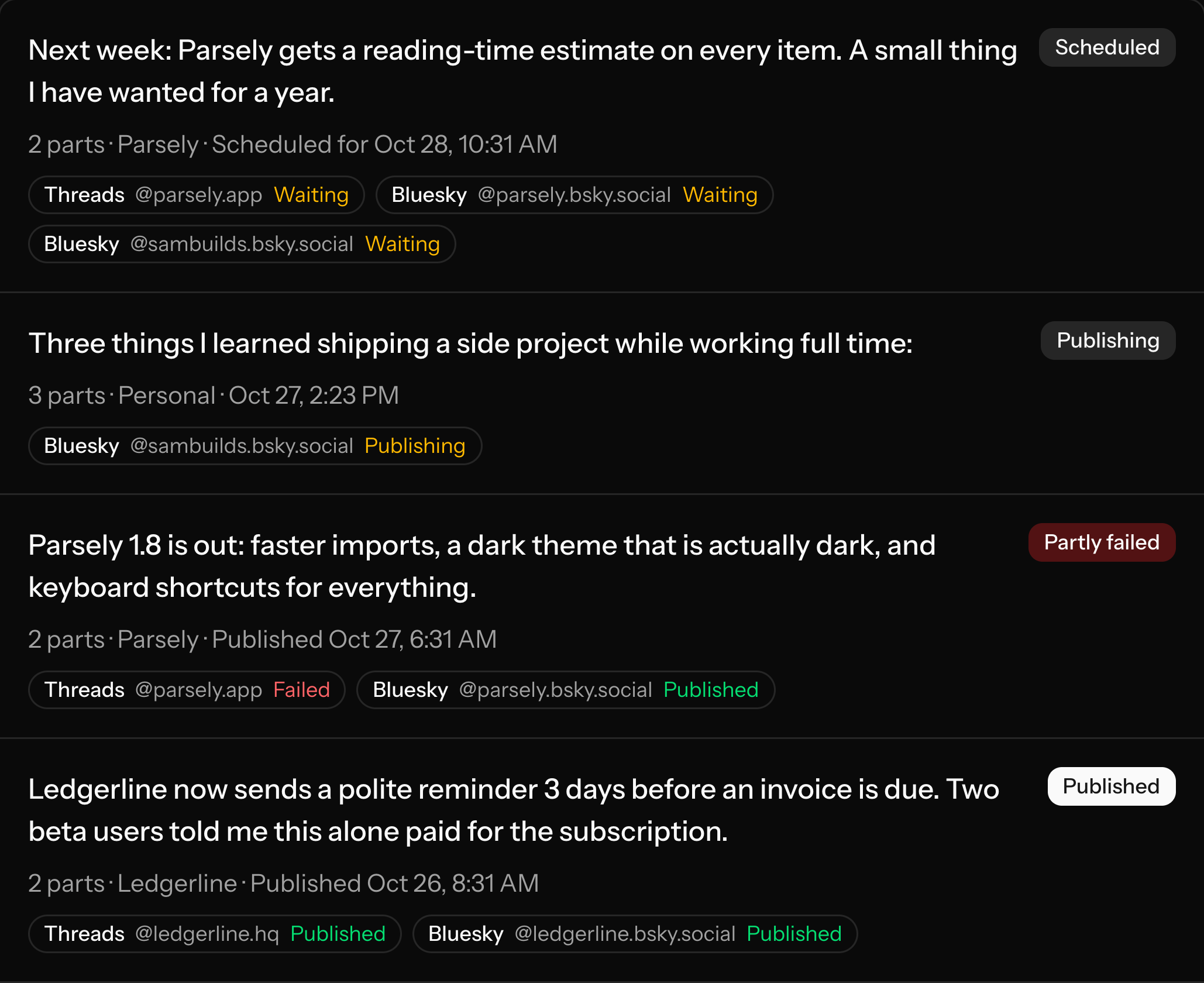
Every post and every reply on an account goes out after a random gap of 30 to 120 seconds. A thread arrives one post at a time, not in one burst. Different accounts run side by side. Send a thread now, or schedule it for later and cancel it before it goes out.
- A random gap of 30 to 120 seconds between posts on each account
- Goes out within the hour, or after a date and time you pick
- A failed post is retried a few times, then marked failed


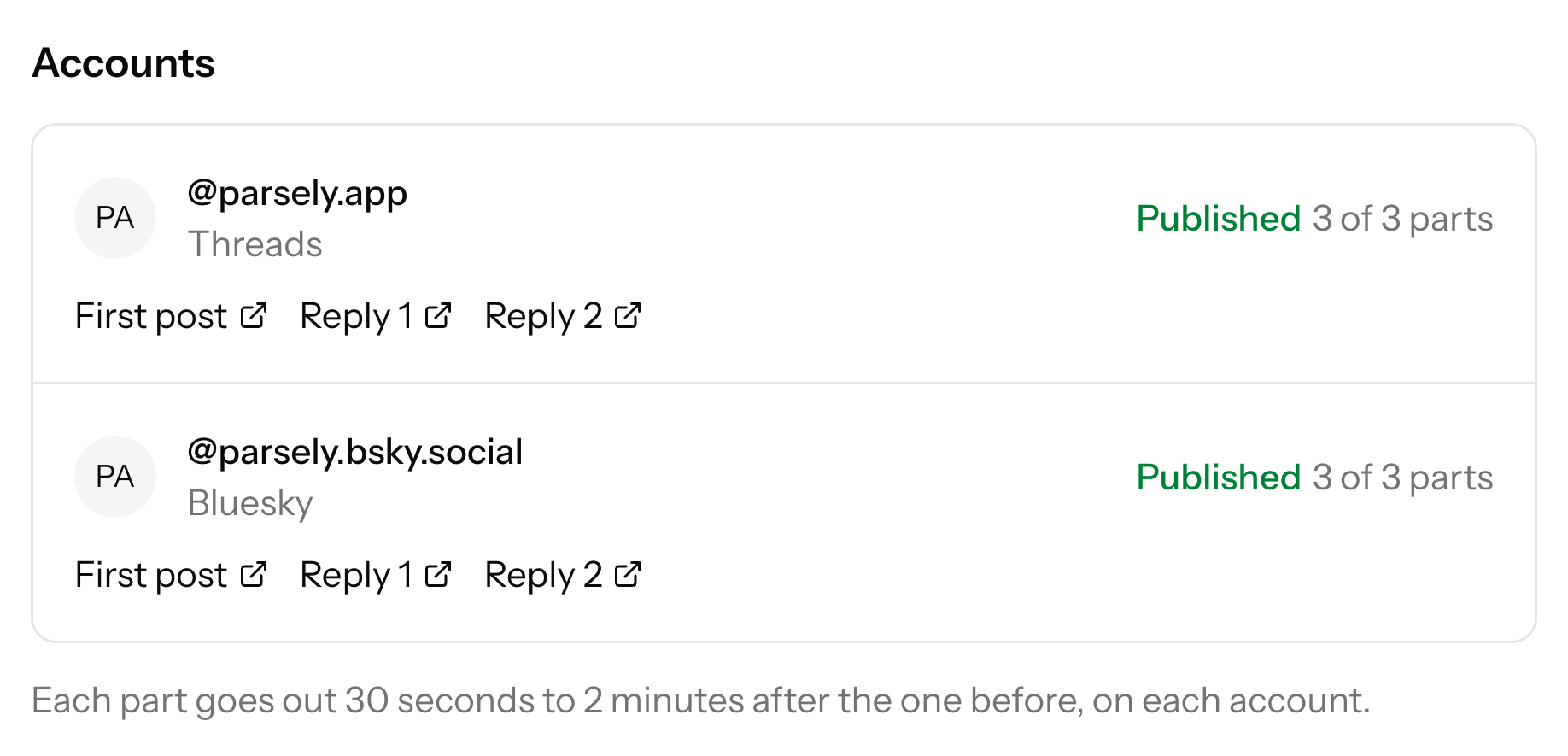
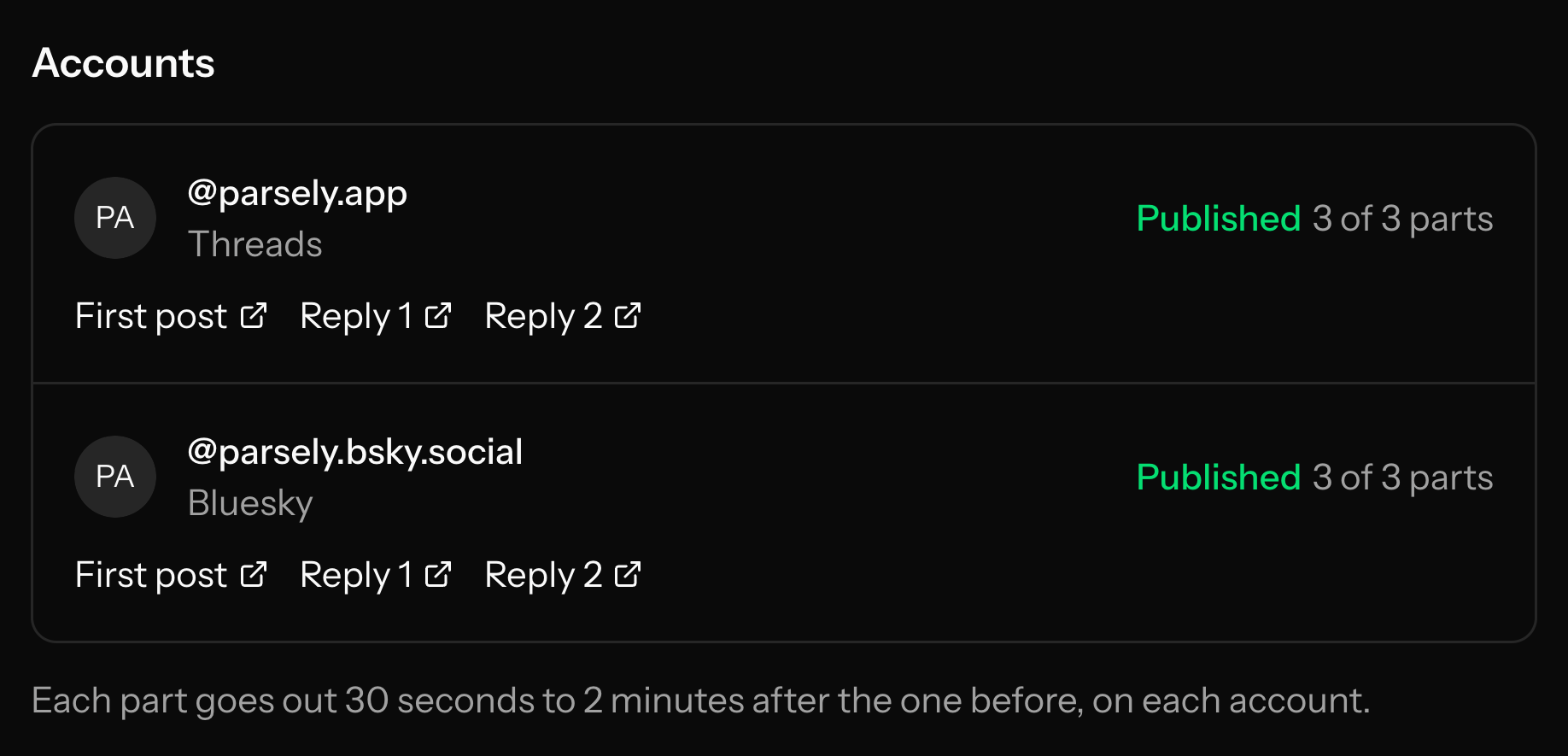
A link per account
MCP server
Run it from your AI agent.
Twine has an MCP server at twine.helpfulintelligence.co/mcp. Connect Claude, Codex or another MCP client, sign in with OAuth, and ask it to post a thread, schedule one, or check on one. Several other posting tools have MCP servers too, so this is not unique to Twine. Twine is narrower: threads to Threads and Bluesky, grouped in projects. Threads accounts are connected in the web app, because that is a Meta login. Your agent gets a link to that page.
- Tools: list_projects, create_project, update_project, delete_project, list_accounts, connect_bluesky_account, create_post, list_posts, get_post, cancel_post
- The agent sees only your account
- The web app shows the same projects, accounts and posts
Use cases
Who uses Twine, and for what
Founders with several products
One project per product, each with its own Threads and Bluesky accounts, plus your personal account in all of them. Post an update to the right project from your agent.
Release notes and changelogs
Your agent already knows what changed. Ask it to turn the changelog into a thread and post it to your project.
Small agencies and freelancers
One project per client. Plans are not priced per seat.
Twine is text threads on Threads and Bluesky, and nothing else yet. It has no analytics, no content calendar, no approval flows and no other networks. If you need those, a broader tool is a better fit.
Post your next thread from your agent.
Start a 15-day free trial, or write to us first.